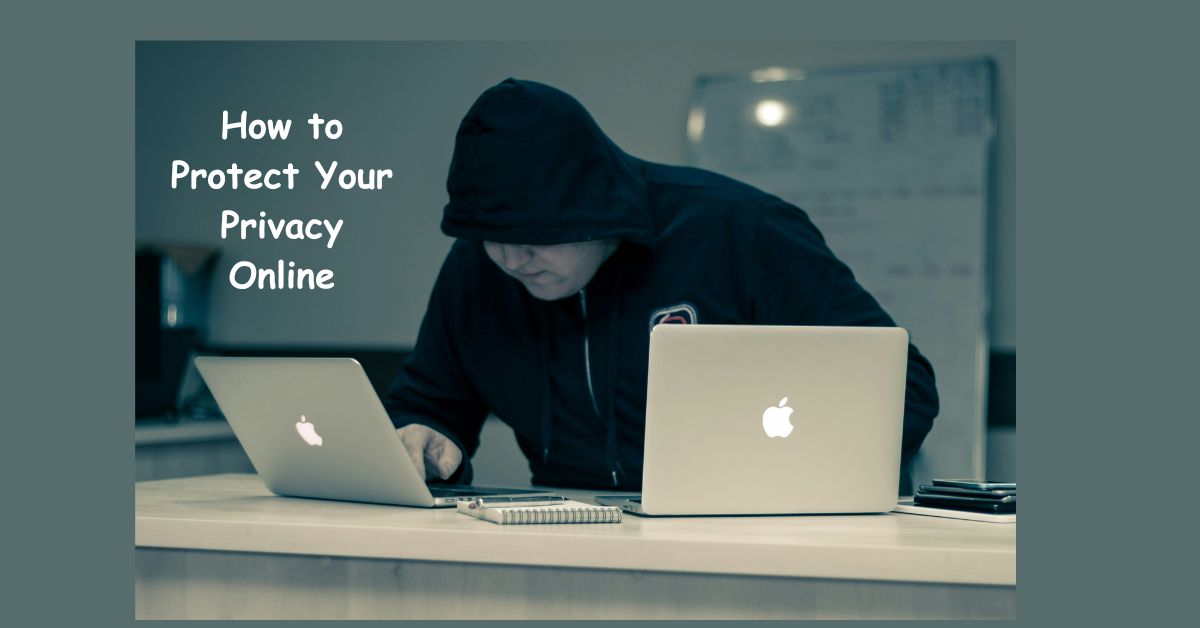
The internet has transformed how we communicate, work, shop, and interact with the world. While this level of connectivity brings convenience, it also exposes individuals to growing privacy risks. Personal data such as browsing history, location, financial details, and even private conversations are valuable assets for advertisers, hackers, and cybercriminals. Protecting your privacy online is no longer optional—it is essential for safeguarding your identity, financial security, and digital reputation.
This guide will walk you through effective strategies to protect your personal data and reduce your vulnerability in the digital landscape. By understanding the risks and taking proactive steps, you can enjoy the benefits of the internet while minimizing the threats to your privacy.
Why Online Privacy Matters
Every time you browse a website, use a social media platform, or make an online purchase, you leave behind a digital footprint. This information can be collected, analyzed, and used for purposes ranging from targeted advertising to identity theft.
Online privacy is about maintaining control over your personal data and deciding how much information you are willing to share. Without protective measures, you risk:
- Identity theft, where criminals steal personal details to open accounts or commit fraud.
- Financial fraud, including unauthorized transactions and scams.
- Data exploitation, where companies use your browsing habits to profile and target you.
- Reputation damage, if personal details or conversations are exposed publicly.
Protecting your privacy ensures that you remain in control of your personal and financial security in a digital-first world.
Use Strong and Unique Passwords
The foundation of online privacy begins with secure passwords. Many people make the mistake of reusing the same password across multiple accounts. If one account is compromised, all others become vulnerable.
A strong password should be:
- At least 12–16 characters long.
- A mix of uppercase and lowercase letters, numbers, and special symbols.
- Unique to each account.
Using a password manager can help you generate and store secure passwords without the hassle of remembering them all. This not only improves privacy but also saves time when logging into multiple accounts.
Enable Two-Factor Authentication (2FA)
Passwords alone are no longer sufficient to protect accounts. Two-factor authentication adds an extra layer of security by requiring a second form of verification, such as a code sent to your phone or an authentication app.
Even if hackers steal your password, they will not be able to access your account without the second authentication step. Popular platforms like Google, Facebook, and banking apps now strongly encourage users to enable 2FA for better protection.
Be Mindful of Public Wi-Fi
Public Wi-Fi networks, such as those in cafes, airports, or hotels, are convenient but notoriously insecure. Cybercriminals often exploit these networks to intercept personal data, including login details and credit card numbers.
To stay safe on public Wi-Fi:
- Avoid logging into sensitive accounts, such as online banking.
- Use a Virtual Private Network (VPN) to encrypt your traffic.
- Ensure websites use HTTPS before entering any personal details.
If you must use public Wi-Fi regularly, investing in a reliable VPN service is one of the most effective ways to protect your privacy.
Use a Virtual Private Network (VPN)
A VPN masks your IP address and encrypts your internet connection, making it much harder for anyone to track your online activity. It is particularly useful when accessing public Wi-Fi, bypassing geographic restrictions, or preventing advertisers from profiling your browsing habits.
When choosing a VPN provider, look for:
- No-log policies, meaning the provider does not store your data.
- Strong encryption standards like AES-256.
- A wide range of server locations.
- Reliable performance and speed.
A VPN is a powerful tool for enhancing anonymity and reducing the risk of online tracking.
Keep Your Devices and Software Updated
Outdated software often contains vulnerabilities that hackers can exploit. Cybercriminals actively target systems running older versions of operating systems, browsers, or apps.
To reduce risks:
- Enable automatic updates on your computer and smartphone.
- Keep antivirus and anti-malware software up to date.
- Regularly update your browser extensions.
By keeping your devices updated, you close the security gaps that hackers often use to gain access to private data.
Limit What You Share on Social Media
Social media platforms encourage users to share personal details, but oversharing can put your privacy at risk. Publicly sharing your location, travel plans, or personal information makes it easier for cybercriminals to exploit your data.
Tips for safer social media use:
- Set profiles to private where possible.
- Avoid posting sensitive details such as home addresses or phone numbers.
- Regularly review privacy settings to control who sees your content.
- Be cautious when accepting friend requests from strangers.
The less information you share, the harder it is for malicious actors to exploit your digital identity.
Use Encrypted Messaging Apps
Not all messaging platforms are equally secure. Some apps may not encrypt conversations end-to-end, leaving your private messages vulnerable to interception.
For better privacy, use apps that prioritize encryption, such as:
- Signal
- WhatsApp (with end-to-end encryption enabled)
- Telegram (secret chats)
Encrypted messaging ensures that only you and the intended recipient can read the conversation.
Clear Cookies and Browsing History
Websites often track your online activity through cookies and browsing history. While some tracking is used for improving user experience, others are for targeted advertising and data collection.
To maintain privacy:
- Regularly clear cookies and cache from your browser.
- Use privacy-focused browsers like Brave or Firefox.
- Consider browser extensions that block trackers and ads.
This not only improves privacy but also speeds up browsing by reducing unnecessary data storage.
Protect Your Email Privacy
Email accounts are a gateway to much of your online life, making them prime targets for hackers. Beyond strong passwords and 2FA, you can take additional steps to protect your email privacy.
- Use email providers with strong encryption, such as ProtonMail or Tutanota.
- Create separate emails for sensitive activities, such as banking.
- Avoid clicking on links in unsolicited messages.
- Regularly review account recovery settings and security alerts.
Securing your email ensures you maintain control over access to other linked accounts.
Beware of Phishing Scams
Phishing attacks trick individuals into providing personal information by posing as legitimate companies. These attacks often arrive via email, text messages, or even phone calls.
To protect yourself:
- Verify the sender’s email address before clicking on links.
- Look for spelling errors and suspicious URLs.
- Never provide personal details to unverified sources.
- Enable spam filters to reduce exposure to phishing emails.
Recognizing phishing attempts can prevent major financial and privacy breaches.
Secure Online Payments
When shopping online, your financial data is one of the most valuable assets you need to protect. To ensure safe online payments:
- Use credit cards instead of debit cards for added fraud protection.
- Enable transaction alerts to detect suspicious charges.
- Avoid saving payment details on websites.
- Use payment gateways like PayPal, Apple Pay, or Google Pay for extra security.
Protecting your payment methods significantly reduces the risk of financial fraud.
Manage Your Digital Footprint
Your digital footprint is the trail of information you leave online, from social media posts to online purchases. While you cannot erase it completely, you can manage it effectively.
Steps to reduce your digital footprint:
- Regularly delete unused accounts.
- Remove outdated personal posts and photos.
- Use privacy settings to control visibility of content.
- Conduct regular searches of your name to monitor what information is publicly accessible.
Being intentional about your digital presence strengthens your overall privacy.
Use Firewalls and Security Software
Installing reliable firewalls and security software adds another layer of defense against unauthorized access. A firewall monitors incoming and outgoing traffic, while security software helps detect malware and spyware.
Consider:
- Comprehensive antivirus solutions.
- Firewalls built into your operating system or router.
- Anti-spyware tools that protect against hidden tracking.
These tools reduce the risk of hackers infiltrating your devices.
Educate Yourself and Stay Aware
Online privacy is constantly evolving. New threats emerge daily, and staying informed is one of the best defenses. By learning about current scams, privacy updates, and best practices, you can adapt quickly and protect yourself more effectively.
Follow cybersecurity blogs, government advisories, and trusted tech publications to remain updated on privacy risks and protective tools.
Conclusion
Protecting your privacy online requires more than just basic awareness—it demands consistent effort, smart choices, and the use of secure tools. From strong passwords and VPNs to encrypted messaging and safe payment methods, each step contributes to building a safer digital environment for yourself and your family.
The more proactive you are about safeguarding your data, the harder it becomes for cybercriminals and intrusive advertisers to exploit it. Online privacy is not about avoiding the internet but about using it responsibly and securely. By implementing the strategies outlined in this guide, you can enjoy the convenience of the digital age without sacrificing control over your personal information.